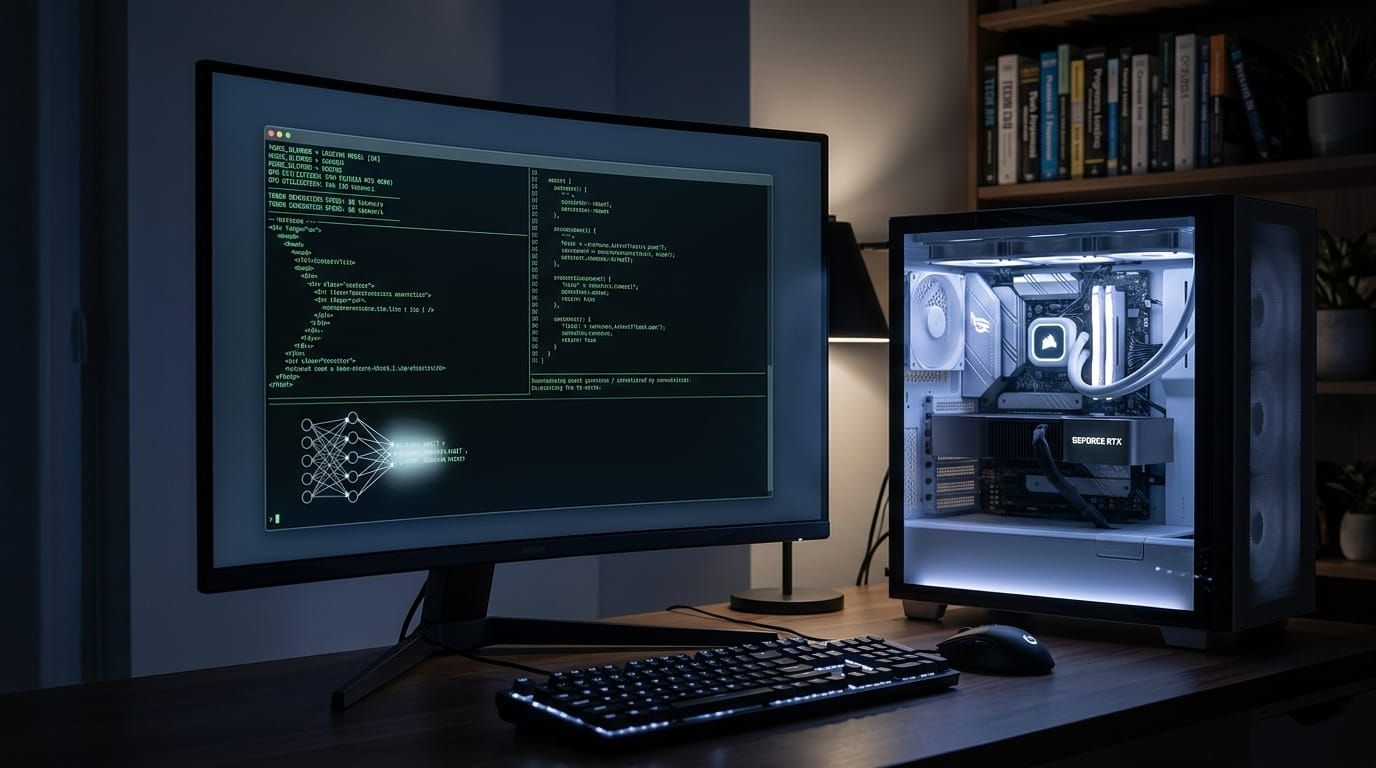
Meta's AI research lab released something unusual: a model that can act like an autonomous agent — not just answer questions — and it's small enough to run on a single consumer graphics card.
It's called Muse Glimmer. And if you've been waiting for private, local agentic AI that doesn't phone home to a cloud API, this is the closest thing yet.
What makes this different from ChatGPT or Claude
Most AI tools you've used are chatbots. You ask a question. They answer. You ask another. Each interaction starts fresh.
An agentic model is different. It can chain multiple steps together on its own — look up information, run code, check its own work, and recover from mistakes — without you having to guide every step. Think of it like the difference between asking someone for directions (chatbot) and hiring someone to plan an entire trip, book the flights, check the weather, and text you when it's time to leave (agent).
Muse Glimmer comes from Meta's new Superintelligence Labs. It's a distilled version of their larger Muse Spark model, trained to handle tool use, code execution, and self-correction in a single package. It's released under the Apache 2.0 license, which means you can download it, modify it, and use it without paying licensing fees.
What it takes to run it
Here's the practical part. In 4-bit quantized form (a compression technique that reduces the model's size while keeping most of its capability), Muse Glimmer fits in roughly 17 to 20 gigabytes of VRAM. That puts it within reach of:
- An NVIDIA RTX 4090 or 5090 (24 GB VRAM)
- A Mac with 24 to 32 GB of unified memory (M2 Pro/Max or M3/M4/M5)
- A workstation with two older GPUs
For comparison, most frontier models — GPT-4, Claude 3.5, Gemini — run only on the provider's servers. You can't download them. Muse Glimmer you can.
What you can actually do with it
The model supports several capabilities that make it feel more like a teammate than a search box:
- Local coding and debugging. Describe a problem in plain English. The model writes code, runs it, checks for errors, and fixes them.
- Tool calling. It can interact with local applications and APIs — search your files, query a database, control a browser.
- Multimodal input. It can process images alongside text, which means you can show it a screenshot and ask it to write code that reproduces what it sees.
- Self-correction. When it makes a mistake — and it will — the model can recognize the error and try a different approach without you intervening.
Should you try it?
That depends on your comfort level with local AI. You'll need to be comfortable with the command line, have compatible hardware, and be willing to tinker. This isn't a one-click install. But if you've been curious about what a genuinely local agent can do — and you want your data to stay on your machine — Muse Glimmer is the best option I've seen reach the public domain.
Here's what you can do this weekend
Download the model from Meta's research page (link in sources below). Use Ollama or LM Studio to load the 4-bit quantized version. Start with a simple task: ask it to read a local file, summarize it, and save the summary to your desktop. That one test will tell you more about whether local agentic AI is ready for your workflow than any review can.
Practical, accessible, no jargon walls — TCB Tutorials & Tools voice. Ends with something you can actually try this weekend.